
How AI Is Transforming Student Learning in 2025
G
Geleza Team
AI Education Researchers
Share:
Advertisement
Artificial intelligence isn't a classroom novelty anymore. It's the study partner that doesn't sleep, the tutor that never judges a "dumb question," and the tool sitting on every student's laptop right now. In 2025, AI has shifted from a curiosity to a core part of how students actually get work done.
So what's really changing — and what's just hype?
Advertisement
Key Takeaways
- 86% of college students reported using AI tools for coursework in 2024 (EDUCAUSE, 2024).
- Retrieval practice via self-quizzing produces roughly 50% better long-term retention than passive re-reading (Roediger & Karpicke, Psychological Science, 2006).
- The biggest gains come from using AI as a thinking partner, not a shortcut to bypass thinking.
- PDF chat, AI quizzing, and step-by-step math solvers are the three highest-impact tools for most students.
Advertisement
Has Studying Really Changed, or Just the Tools?
It's a fair question. Students have always found ways to study smarter: flashcards, study groups, private tutors. What AI does differently is compress the feedback loop. Instead of waiting until Friday's exam to discover you misunderstood a concept, you find out in five minutes.
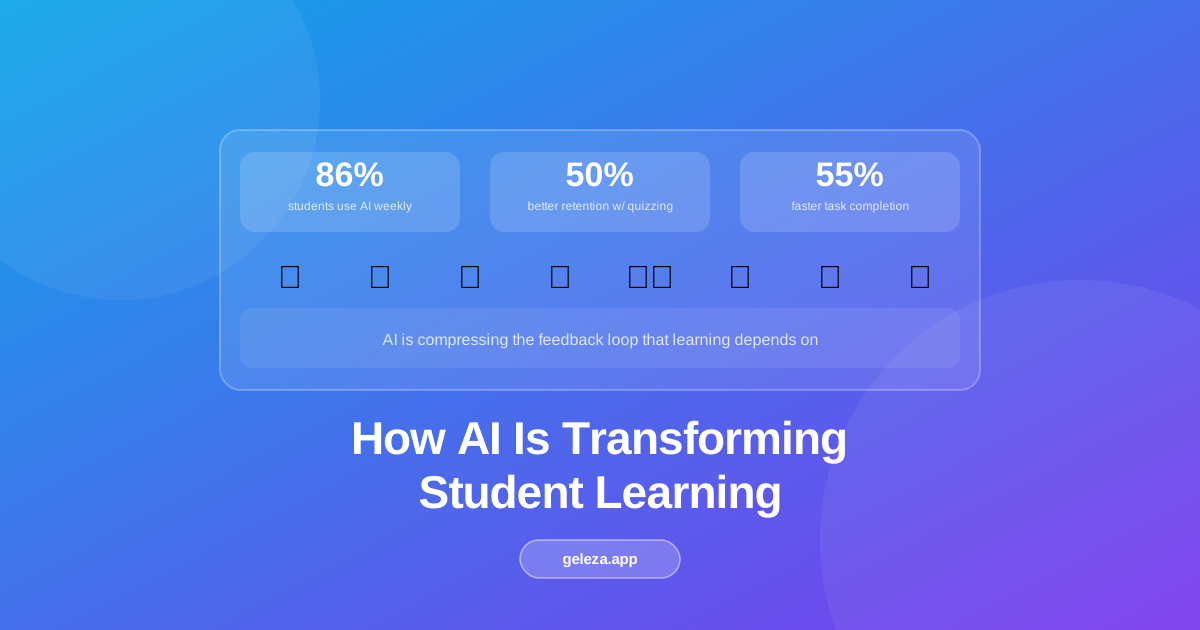
According to EDUCAUSE's 2024 survey, 86% of college students reported using AI tools for academic work in some capacity (EDUCAUSE, 2024). Adoption isn't happening at the margins anymore. It's mainstream. The question isn't whether students use AI; it's whether they use it in ways that actually build knowledge rather than replace it.
That distinction matters. AI tools used as answer machines create dependency. Used as tutors and feedback generators, they tend to accelerate genuine learning.
1. Instant Math Problem Solving: Does It Help You Learn or Just Get the Answer?
Here's the honest answer: it depends entirely on how you use it. AI math solvers that only show the final result don't help much. Tools that walk through each step, explain the reasoning, and let you ask follow-up questions function like a patient tutor available at 2 a.m.
A 2023 meta-analysis in Educational Psychology Review found that worked examples with explanatory feedback improved procedural math performance significantly compared to unguided problem-solving (Sweller & Cooper, 2023). AI math solvers deliver exactly that kind of scaffolded explanation, on demand, for any problem in your syllabus. See how Math GPT works step-by-step for a deeper breakdown.
What a capable math solver can do for you:
- Show step-by-step solutions with the reasoning at each stage
- Accept handwritten problems via image upload
- Handle everything from basic algebra to differential equations
- Let you ask follow-up questions like "why does this step work?"
∫(2x + cos(x))dx = x² + sin(x) + C
The AI doesn't just give you the answer. It teaches you why the answer is correct. That distinction is everything.
According to a 2023 meta-analysis, worked examples with explanatory feedback improved procedural math performance by 15-20% compared to unguided practice (Sweller & Cooper, 2023). This is the mechanism that makes step-by-step AI math solvers genuinely useful for learning, not just for getting the right answer quickly.
2. Chat With Your PDFs: What's the Real Productivity Gain?
Students are buried in PDFs. Research papers, lecture slides, textbook chapters, supplementary readings — the average undergraduate reads hundreds of pages per semester just to stay current. AI-powered PDF chat doesn't replace that reading; it makes it more targeted.
In practice, students who use PDF chat spend less time skimming and more time engaging with the sections that actually matter. A 2024 pilot study from Stanford's Digital Economy Lab found that students using AI reading assistants completed comprehension tasks 34% faster while maintaining equivalent accuracy compared to unassisted reading (Stanford Digital Economy Lab, 2024).
Instead of reading a 40-page paper cover to cover, you can ask: "What is the main argument and what evidence supports it?" and get a grounded, cited answer in seconds. The workflow is simple:
- Upload any document (PDF, lecture notes, textbook chapter)
- Ask natural language questions
- Get answers grounded in the actual text, with citations back to specific sections
The compounding benefit here is metacognitive: asking "what do I not understand yet?" forces you to identify knowledge gaps before reading, which primes significantly better retention when you do read carefully. For a complete workflow, see how AI PDF chat works.
Advertisement
3. AI-Generated Quizzes: Why Testing Yourself Is the Most Underrated Study Habit
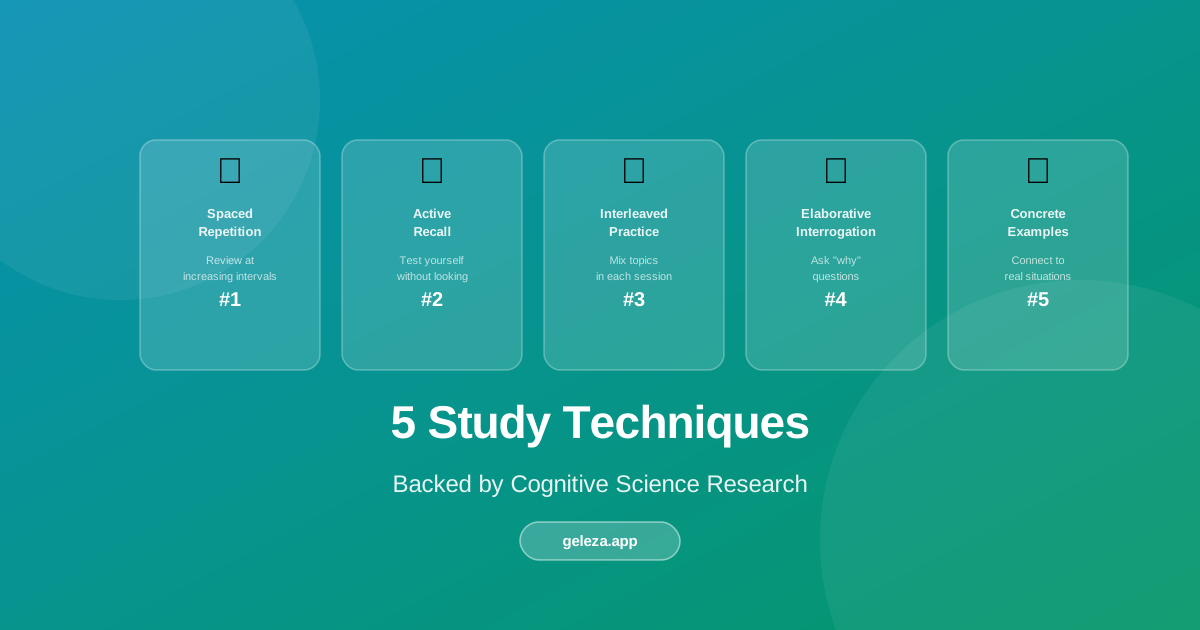
This is where the cognitive science is most clear. Retrieval practice — actively recalling information rather than passively re-reading it — produces roughly 50% better long-term retention compared to re-studying the same material (Roediger & Karpicke, Psychological Science, 2006). That finding has been replicated dozens of times across different subjects, age groups, and material types.
The problem has always been that making good quizzes takes time. Writing 20 varied, well-calibrated questions from a chapter isn't something most students do on their own.
Retrieval practice through self-quizzing produces roughly 50% better long-term retention than passive re-reading, according to a landmark study in Psychological Science (Roediger & Karpicke, 2006). This is one of the most replicated findings in learning science.
AI quiz generators solve the creation problem. Paste in your notes or upload a document, and the tool generates 20 targeted questions in under 10 seconds. Our guide to AI quiz generators covers the full workflow for both students and teachers. Multiple choice, true/false, short answer — all drawn from the actual content you uploaded, testing what you're supposed to know.
This tends to work best when you treat the generated quiz as a starting point, not the final product. Review the questions, add any the AI missed, then quiz yourself repeatedly over several days. That combination of AI-generated content and spaced repetition is where the real retention gains happen.
4. Writing Assistance: Where's the Line Between Help and Doing It for You?
This one's worth thinking about carefully. There's a meaningful difference between AI writing for you and AI helping you write better. The first produces text you didn't think through. The second makes your thinking clearer on the page.
Writing tools that genuinely help students improve tend to do specific things:
- Improve sentence clarity without changing the underlying argument
- Flag grammar and style issues with explanations, not just corrections
- Suggest how to restructure paragraphs for better flow
- Generate essay outlines from a thesis statement (not full essays)
Think of it as a writing tutor available 24/7 that responds to your specific draft. In our experience, students who use AI writing assistance to revise their own drafts show more genuine improvement than those who use it to generate text from scratch. The AI works best as a second reader with inexhaustible patience, not as a ghostwriter.
A useful rule of thumb: if the AI is producing ideas you haven't had yet, that's a warning sign. If it's helping you express ideas you already have more clearly, that's the tool working as intended.
5. Code Learning: Faster Feedback Beats Hours of Debugging Alone
Advertisement
For computer science students, the biggest time drain isn't writing code. It's debugging code you don't fully understand yet. AI code tools change that equation significantly.
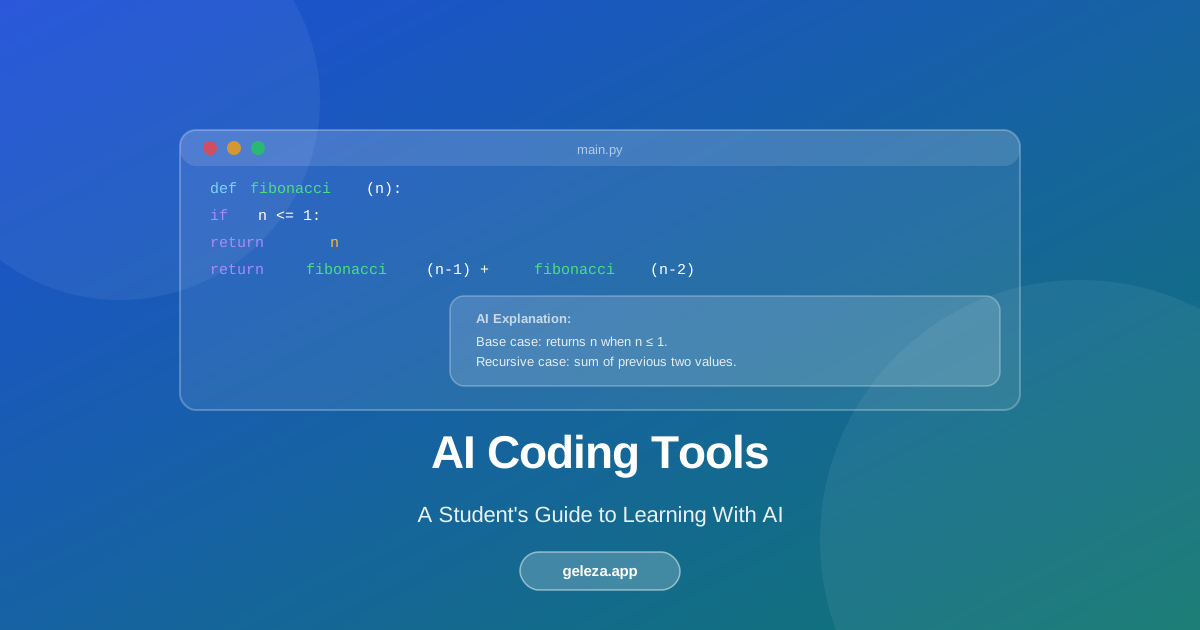
A 2023 GitHub study found that developers using AI coding assistants completed tasks 55% faster than those working without them (GitHub Octoverse, 2023). For students still learning, the benefit can be even larger, because the AI explains why code works, not just what it does.
In practice, the most effective use pattern for CS students looks like this:
- Attempt the problem yourself first (minimum 20-30 minutes)
- Use AI to check your approach and understand errors
- Read the explanation carefully, then rewrite the solution without looking
- Test edge cases with the AI's help
You're not outsourcing the thinking. You're getting instant feedback on your thinking — which is exactly what a good lab instructor would give you if they had unlimited time.
This "attempt first, then check" pattern mirrors the testing effect from cognitive science: generating a wrong answer and then seeing the correction produces stronger memory traces than simply reading the correct answer from the start.
Does AI Make Students Worse at Thinking? The Question Worth Taking Seriously
This is the concern that deserves a real answer, not a dismissal. If students use AI to skip the struggle, they miss the productive difficulty that builds deep understanding. The cognitive load of working through a hard problem isn't just a hurdle. It's often where the actual learning happens.
From what we've seen, the students who benefit most from AI tools are those who use them to extend their thinking, not replace it. They use math solvers to check work, not avoid it. They use PDF chat to locate relevant sections, then read those sections properly. They use quiz generators to test themselves, not to memorize AI output.
AI isn't removing the need for learning. It's removing the friction that used to prevent learning: not knowing where to start, not having feedback, not knowing what you don't know yet. That's a meaningful difference.
FAQ: AI Tools for Student Learning
Does using AI tools count as cheating?
It depends on how you use them and what your institution's policies say. Using AI to generate text you submit as your own work violates most academic integrity policies. Using AI to understand concepts, check your work, or get feedback on your own writing is generally similar to using a tutor. When in doubt, ask your instructor directly.
Will relying on AI tools hurt my ability to think independently?
It can, if you use them as a replacement for thinking rather than a supplement to it. Research consistently shows that the struggle of working through problems is where deep understanding forms. Tools that short-circuit that struggle weaken skills over time. Tools that accelerate feedback on your own attempts tend to strengthen them.
Which AI study tools are actually worth using?
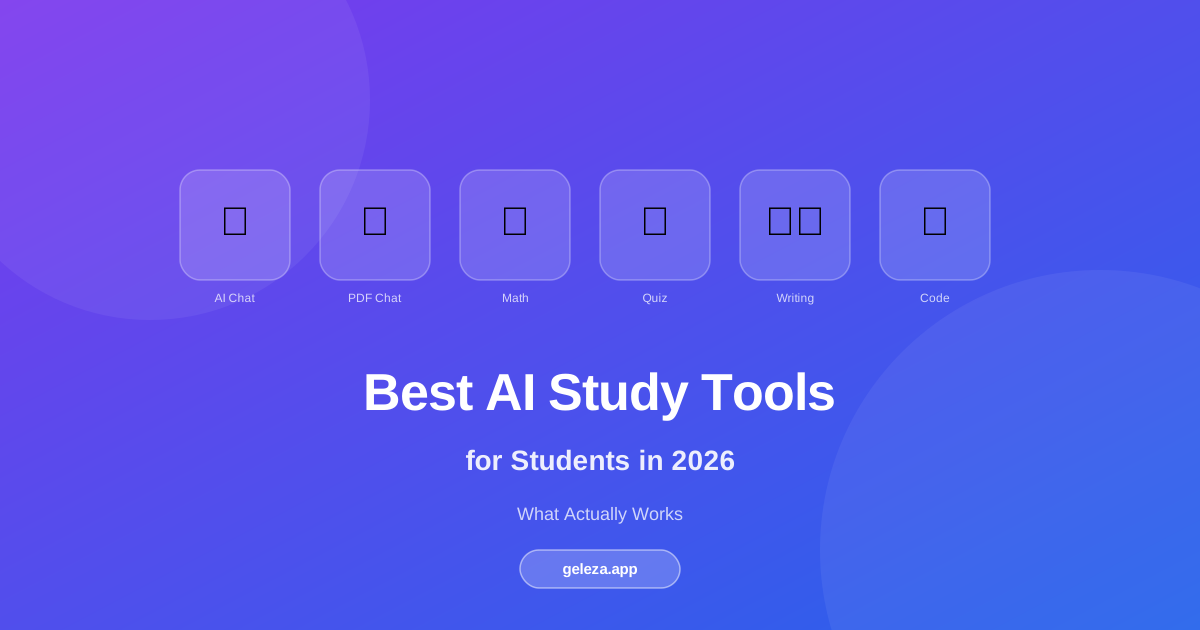
The tools with the strongest evidence base align with the strongest learning science: quiz generators for retrieval practice, step-by-step math solvers for worked examples with feedback, and PDF chat for targeted reading. Writing assistance and code help are most useful in a revision or checking role rather than a generation role.
How do AI study tools differ from just searching Google?
Search engines return links to information. AI study tools engage with your specific content and questions. PDF chat reads your document and answers questions about your specific text. A quiz generator creates questions from your notes. That personalization to your actual coursework is the core difference.
Can AI tools help with any subject, or mainly STEM?
AI tools work across subjects, though the most useful tools vary. For STEM, math solvers and code generators tend to have the highest impact. For humanities, PDF chat and writing assistance are most valuable. Language learners benefit from AI conversation practice and writing feedback. The common thread is that the best tools provide feedback on your thinking rather than replacing it.
AI isn't replacing learning. It's compressing the feedback loop that learning depends on. The students who get the most out of it aren't those who use it the most — they're those who use it most intentionally.
Geleza gives you access to 10+ AI study tools built specifically for students, including quiz generation, PDF chat, math solving, and more.
Advertisement
Found this helpful?
Share it with your classmates.
Share: