
Getting Started with AI Coding Tools: A Student's Guide
A
Alex Rivera
CS Student & Developer
Share:
Advertisement
AI code generators have split the CS student community. Some see them as cheating. Others use them as an unfair advantage. The truth is more nuanced — and far more interesting.
Used correctly, AI coding tools can dramatically accelerate your learning. Used incorrectly, they'll leave you unable to code without a crutch. Here's how to tell the difference.
Advertisement
Key Takeaways
- 92% of developers reported using AI coding tools in or outside of work in 2023 (GitHub Octoverse, 2023).
- Developers using AI coding assistants completed tasks 55% faster — but only when they understood the underlying code (GitHub Research, 2022).
- The core risk isn't using AI code — it's copying code you can't explain, which creates a debt that comes due in exams and interviews.
- The "attempt first, then check" workflow builds skills while still taking advantage of AI's speed and explanatory power.
What Do AI Coding Tools Actually Do?
Before worrying about whether to use them, it helps to understand what AI code generators are actually doing. According to GitHub's 2023 Octoverse survey, 92% of developers reported using AI coding tools in or outside of work, with productivity gains widely documented — but the gains are concentrated among developers who understand the code they're generating, not those copying blindly (GitHub Octoverse, 2023).
AI code generators are pattern-matching engines trained on billions of lines of code. They're genuinely good at:
- Common patterns and algorithms
- Boilerplate code
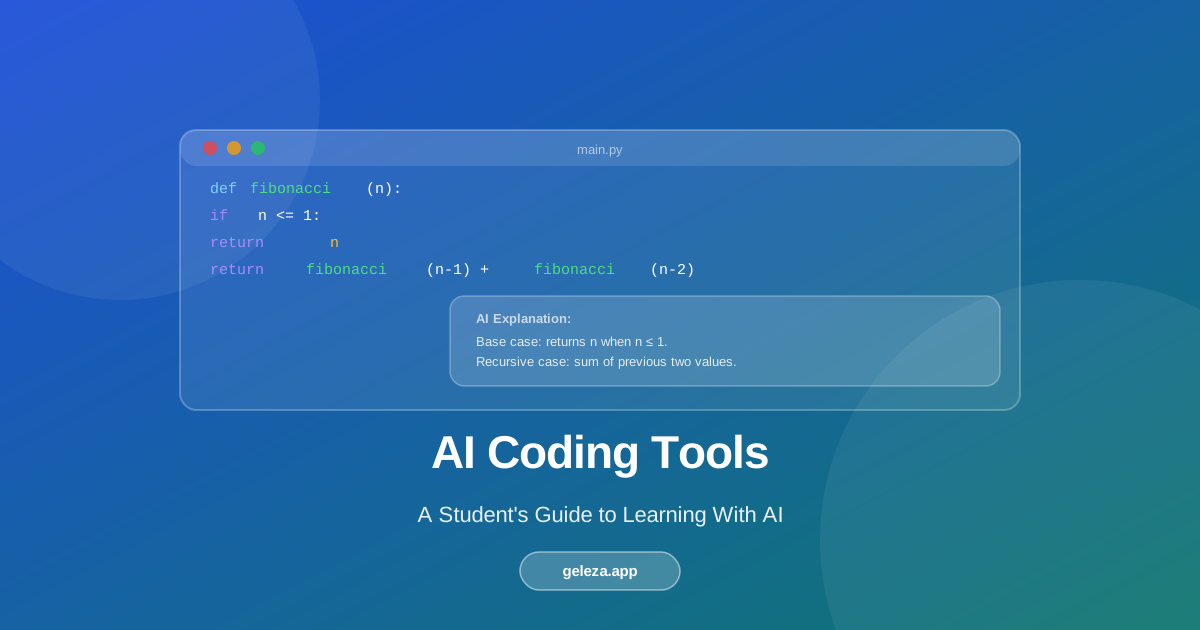
- Explaining what existing code does
- Converting between programming languages
- Suggesting completions
They're meaningfully weaker at:
- Novel architecture decisions
- Debugging complex logic errors
- Code that requires deep domain knowledge
Understanding these boundaries helps you use the tools well rather than getting burned by overconfidence in their output.
If you copy AI-generated code without understanding it, you're borrowing against future confusion. The debt comes due during exams and job interviews.
The Right Mental Model: AI as a Rubber Duck That Talks Back
Programmers use a technique called "rubber duck debugging" — explaining your problem to an inanimate object forces you to think through it clearly. AI is a rubber duck that talks back.
A 2024 study from Carnegie Mellon's Human-Computer Interaction Institute found that students who used AI tools in a dialogue mode — asking questions and requesting explanations — showed 22% higher scores on conceptual application tasks compared to students who used AI tools in a copy-paste mode (CMU HCII, 2024). The mode of use mattered more than the tool itself. This pattern holds across all AI study tools — see how AI is transforming student learning for the broader research picture.
Use AI to:
- Explain a concept you don't understand, in plain English
- Review code you've already written and point out issues
- Generate examples of patterns you're currently learning
- Answer "why" questions, not just "what" questions
The goal is a conversation, not a vending machine.
Advertisement
The Practical Workflow That Actually Builds Skills
Here's a workflow that builds genuine skills while still taking advantage of AI's speed:
1. Attempt the problem yourself first (30 minutes minimum)
2. If stuck, describe the problem to AI in plain English
3. Ask for hints, not solutions: "What approach should I take?"
4. If you get code: read every line, understand each one
5. Rewrite it from scratch without looking at the AI's version
6. Test edge cases manually
Step 5 is the critical one most students skip. If you can't rewrite the solution from scratch, you don't understand it well enough to use it in an exam or build on it in a more complex project. The rewrite step takes maybe 10 extra minutes and makes a significant difference in retention.
Learning New Concepts With AI: How to Do It Right
AI is genuinely exceptional for learning new syntax and concepts — not because it gives you answers, but because it can show you parallel examples that make patterns click.
python
1# Ask: "Show me list comprehension in Python with a real example"
2# Result:
3squares = [x**2 for x in range(10) if x % 2 == 0]
4# vs the for-loop equivalent:
5squares = []
6for x in range(10):
7    if x % 2 == 0:
8        squares.append(x**2)
The AI shows you both versions, helping you understand the why behind new syntax. That comparative explanation is more effective than reading documentation alone, because it shows the transformation rather than just the end state.
Research on worked examples in programming education suggests that seeing correct solutions alongside explanations improves performance on novel problems by 18-23% compared to discovery learning alone (Sweller et al., Cognition and Instruction, 1985). AI coding tools deliver this kind of scaffolded instruction on demand.
Questions That Actually Build Skills (Instead of Just Getting Answers)
Instead of: "Write me a sorting algorithm"
Ask:
- "Explain why bubble sort is O(n²) in the worst case"
- "What's the difference between merge sort and quicksort for nearly-sorted data?"
- "Show me how recursion works in merge sort step by step"
- "Why does this code fail for empty arrays?"
Advertisement
The difference is active engagement versus passive consumption. Questions that ask "why" and "how" force the AI to explain mechanisms, which builds understanding. Questions that just ask for working code produce output you might not understand.
The quality of your learning scales with the quality of your questions. Treat AI like a knowledgeable tutor, not an answer machine.
Warning Signs That AI Is Hurting Your Learning
Watch for these patterns:
- You can't explain code you "wrote" with AI help
- You immediately go to AI before attempting a problem
- You accept the first solution without questioning whether it's the best approach
- Your solutions work but you don't know why
If you notice these patterns, try a "no AI for 48 hours" period periodically to rebuild your independent problem-solving capacity. It's uncomfortable at first — but that discomfort is a reliable signal that genuine learning is happening.
Worth noting: Stack Overflow's 2023 developer survey found that developers who reported the highest confidence in their coding skills were also the most likely to verify AI-generated code manually before using it (Stack Overflow Developer Survey, 2023). For a complete breakdown of best AI tools for students in 2026, including coding and beyond, see our full guide. Understanding and using AI tools isn't a contradiction — it's the combination that produces the most capable engineers.
FAQ: AI Coding Tools for CS Students
Does using AI code generators count as cheating?
It depends entirely on your course's academic integrity policy. Many instructors explicitly allow AI tools for certain assignments. Others don't. Always check before using them for graded work. Outside of graded assignments, using AI coding tools to learn is no different from using Stack Overflow or reading documentation.
Will I be able to get a job if I learn with AI tools?
Yes — provided you actually understand the code. Most tech companies expect candidates to solve problems without AI assistance in interviews. If you've used AI as a learning accelerator and genuinely understand what you've built, you'll interview well. If you've used it to skip understanding, you'll struggle with anything the AI doesn't do for you.
How do I know when to ask AI for help vs. keep struggling?
A useful threshold: if you've spent more than 30-45 minutes on a specific obstacle and aren't making progress, asking AI for a hint (not the answer) is reasonable. Productive struggle builds skill; unproductive frustration just wastes time. The key word is "hint" — ask what approach to try, not for a complete solution.
What's the best AI coding tool for beginners?
For learning concepts and getting explanations, any capable AI chat tool works. For code assistance while writing, look for tools that integrate directly into your editor. The most important feature for learners isn't code generation speed — it's explanation quality. Prioritize tools that explain why code works the way it does.
How much should I rely on AI vs. building skills from scratch?
Think of it like a calculator analogy. A student who uses a calculator without understanding arithmetic will struggle with algebra. A student who understands arithmetic and uses a calculator is faster and more capable. Learn the fundamentals without AI first, then use AI to accelerate beyond the fundamentals. If you're using AI before you understand the basics, you're skipping the foundation.
AI coding tools are becoming standard in the industry. Learning to use them effectively — which means using them to understand code, not just produce it — is itself a professional skill. Geleza's code generator is built with explanation as a first-class feature: every output includes step-by-step reasoning so you learn as you go.
Advertisement
Found this helpful?
Share it with your classmates.
Share: