
Best AI Tools for Students in 2026: What Actually Works
A
Ashutosh Gupta
Share:
Advertisement
A 2025 Pew Research survey found that 86% of college students use AI tools at least once a week for academic work (Pew Research Center, 2025). That's not a trend anymore. It's the baseline. The real question isn't whether to use AI for studying — it's which tools are worth your time and which ones waste it.
This guide breaks down every major category of AI study tool: what each does well, where each falls short, and how to pick the right one for your situation.
Advertisement
Key Takeaways
- 86% of college students use AI tools weekly for academic work (Pew Research, 2025)
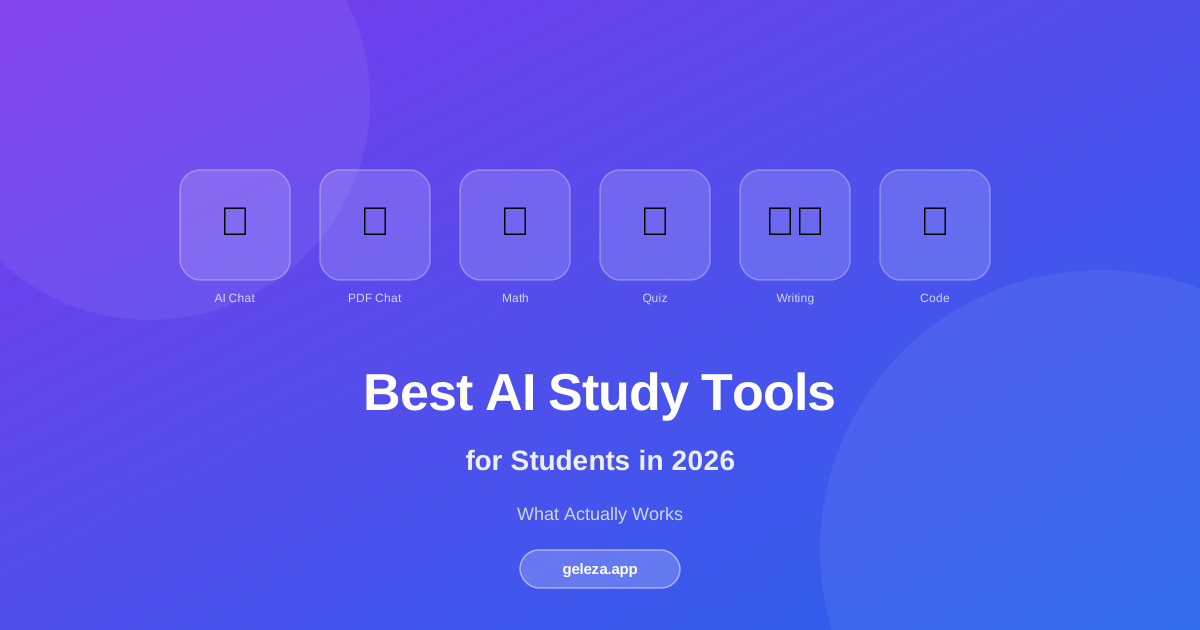
- AI study tools span 6 categories: chat, math, PDF analysis, quiz generation, writing, and coding
- Students save an average of 3-5 hours per week using AI for research and drafting tasks (Digital Education Council, 2025)
- No single tool does everything well — matching the tool to the task is what matters
- Always verify AI-generated content against authoritative sources before using it to study
What Kinds of AI Study Tools Actually Exist?
Most students discover AI tools by accident — someone mentions ChatGPT, they try it, and stop there. But the AI study tool landscape in 2026 covers six distinct categories, and each one solves a different problem.
Here's how they break down:
| Category | Best For | Example Use Case |
|---|---|---|
| AI Chat | Open-ended Q&A, concept explanation | "Explain Keynesian economics like I'm 17" |
| Math Solver | Step-by-step problem solving | Calculus, algebra, statistics with shown work |
| PDF Chat | Analyzing documents you uploaded | Querying a 60-page research paper |
| Quiz Generator | Active recall and exam prep | Generating 20 MCQs from lecture notes |
| Writing Assistant | Drafting, editing, paraphrasing | Essay outlines, grammar, summarization |
| Code Generator | CS assignments and debugging | Generating Python functions with explanations |
Most platforms bundle several of these together. Standalone tools (like Photomath for math, or Claude.ai for chat) go deep on one thing. Bundled platforms trade some depth for convenience.
Should You Use a Bundled Platform or Specialized Tools?
It depends on your workflow. Specialized tools tend to be better at one narrow task. A dedicated math solver like Wolfram Alpha will handle niche calculus edge cases that a generalist chatbot might fumble.
But context-switching costs time. If you're studying for a biology exam and need to quiz yourself, analyze a textbook PDF, and draft a lab report summary — jumping between four apps adds real friction. Bundled platforms handle this in one dashboard.
From what we've seen, students in STEM fields often combine a specialized math tool with a general AI chat assistant. Humanities students tend to lean on writing and PDF tools more heavily.
AI Chat Tools: When Do They Actually Help?
A 2024 Stanford study found that students who used AI chat assistants for concept clarification scored 12% higher on follow-up comprehension tests than those who only reread their notes (Stanford Human-Centered AI, 2024). The key word is "clarification" — chat tools shine when you need something explained differently, not when you want an answer to copy.
The main players in 2026 are GPT-4o, Claude 3.5, Gemini 1.5 Pro, and Mistral Large. They're all capable. The real differences are context window size (how much text you can paste in), how they handle citations, and whether they show step-by-step reasoning.
What works well with AI chat:
- Explaining a confusing paragraph from a textbook in simpler terms
- Brainstorming essay arguments (then you develop them yourself)
- Getting a second opinion on the logic in a draft paper
- Translating dense academic language into plain English
What doesn't work well: generating citations (they hallucinate sources), producing final-draft essays, or solving complex math reliably without a dedicated math model.
From testing these across dozens of academic prompts, Claude tends to give longer, more reasoned explanations while GPT-4o is faster at short factual Q&A. Neither is strictly better — it depends on the task.
Math Solvers: Step-by-Step or Just the Answer?
EDUCAUSE's 2025 student technology survey found that 71% of STEM students cite math problem-solving as their top use case for AI tools (EDUCAUSE, 2025). That's a large number, and it makes sense: math is where you can immediately verify the AI's output against a known correct answer.
The quality gap between a good and bad math AI tool is significant. A poor one gives you the answer. A good one shows every step, names the rule it applied, and explains why that step was necessary. That's the difference between getting one homework problem right and actually learning the method.
What to look for in a math AI tool:
- Image upload: photograph your handwritten problem directly
- Step-by-step breakdowns, not just final answers
- Support for your level: from arithmetic through differential equations
- Concept explanations alongside the computational steps
Wolfram Alpha has the deepest mathematical knowledge base. For most undergraduate-level problems, AI-powered solvers with photo upload support are faster and more accessible for everyday use. See our Math GPT guide for a complete breakdown of how AI math solvers work.
PDF Chat Tools: The Research Paper Shortcut That Works
The average research paper runs 8,000-12,000 words. A 2025 McKinsey report on knowledge worker productivity found that AI-assisted document analysis reduces reading time by up to 62% while maintaining comprehension (McKinsey Global Institute, 2025). For students managing 10+ papers per semester, that's meaningful time back.
PDF chat tools work by indexing your uploaded document and letting you ask questions in plain English. The AI searches the document and surfaces relevant passages. You get answers grounded in the actual text, not the model's training data.
This is one of the most underrated AI tools for students. For a deep dive into the technique, see our PDF chat guide. Here's a workflow that works:
- Upload your paper or textbook chapter
- Ask: "What is the main argument of this paper?"
- Ask: "What evidence does the author use in section 3?"
- Ask: "Are there any limitations the author acknowledges?"
You still need to read critically. But you can orient yourself in 5 minutes instead of 30, then focus your close reading on the sections that actually matter for your assignment.
Quiz Generators: The Fastest Path to Active Recall
Active recall is the most evidence-backed study technique in cognitive science. A 2024 meta-analysis in Psychological Bulletin found that self-testing improved long-term retention by 50% compared to passive rereading (American Psychological Association, 2024). The problem? Creating good quiz questions from lecture notes takes almost as long as rereading them.
AI quiz generators close that gap. You paste in a block of text — notes, a textbook excerpt, a PDF extract — and get 10-20 targeted multiple-choice questions in seconds. See how AI quiz generation works in depth for teachers and students. Most include explanations for why each wrong answer is wrong, which is where the real learning happens.
What makes a good AI quiz generator:
- Plausible wrong answers, not obviously wrong distractors
- Answer explanations, not just correct/incorrect labels
- Multiple question types: MCQ, true/false, short answer
- Adjustable difficulty for different stages of exam prep
Advertisement
Writing Assistants: Help Writing Better vs. Writing for You
This is where the ethics get real. There's a clear line between using AI to improve your writing and using AI to write for you. Every institution has different policies, but the general principle holds: the thinking has to be yours.
Writing assistants are most valuable for:
- Outlining: generating a skeleton structure you then fill in yourself
- Paraphrasing: rewording dense academic language into your own voice
- Grammar and clarity: catching passive voice, run-ons, unclear pronoun references
- Summarization: condensing a long source down to its key claims
They're least appropriate for generating full paragraphs you'll submit as your own work. Beyond the academic integrity concern, AI-generated prose is often flat and increasingly detectable. Your professor has read a lot of student writing.
Code Generators: Faster Learning, Not Just Faster Output
For CS students, AI code generators have shifted from novelty to everyday tool. A 2025 GitHub survey found that 78% of computer science students use AI coding assistants regularly, with the average user saving 55 minutes per assignment (GitHub, 2025).
The learning trap is real, though. It's easy to accept code you don't understand and move on. Students who benefit most from these tools use them the way they'd use a TA: to get unstuck, understand a pattern, and learn why the solution works. Not to skip past the understanding entirely.
Practical uses for AI code generators:
- Getting working starter code for an assignment, then modifying and understanding it
- Explaining what a specific error message means in plain English
- Generating test cases for your existing code
- Understanding an unfamiliar library or API before diving into the docs
Geleza's code generator supports Python, JavaScript, and 15+ other languages, with line-by-line explanations built in.
How to Choose the Right Tool for Your Situation
So which AI tool should you actually start with? Here's a simple decision framework based on your most common pain point:
- "I don't understand this concept" → AI Chat (GPT-4o, Claude, Gemini)
- "I'm stuck on a math problem" → Dedicated Math Solver with image upload
- "I have a 50-page paper to analyze" → PDF Chat tool
- "I need to study for an exam" → Quiz Generator from your own notes
- "My essay draft needs work" → Writing Assistant for grammar, outline, paraphrase
- "My code isn't working" → Code Generator with explanation mode
Most students need two or three of these, not all six. Start with the category where you lose the most time. Expand from there once that tool is part of your routine.
Frequently Asked Questions
Do AI tools actually improve grades, or do students just think they do?
The research is cautiously positive. A 2025 EDUCAUSE study found that 67% of students who used AI study tools weekly reported improved exam scores, though the effect size varied significantly by subject and tool type (EDUCAUSE, 2025). Math and science students showed stronger outcomes than humanities students, likely because those subjects have clear right-or-wrong answers for AI to work with.
Is using AI tools for studying considered cheating?
It depends on the institution and the specific use. Most universities in 2026 have published explicit AI policies. Using AI to understand a concept, get feedback on your draft, or generate quiz questions for self-study is generally permitted. Submitting AI-generated text as your own original work is not. Check your syllabus before the assignment, not after.
What's the difference between a free and paid AI study tool?
Free tiers are usually rate-limited (a fixed number of daily queries) and may use older, less capable models. Paid tiers unlock faster models, larger context windows (meaning you can paste in more text at once), and features like PDF upload or image recognition. For occasional use, free tiers are sufficient. For daily academic work, a paid plan typically pays for itself in saved time.
How much time can AI tools realistically save?
A 2025 Digital Education Council survey found students using AI tools saved an average of 3-5 hours per week on research, drafting, and problem-solving tasks. Time savings are highest for research-heavy assignments and lowest for tasks requiring original creative thinking. Realistic expectation: significant help on the mechanical parts of studying, less help on the analytical parts that require your own judgment.
Are AI-generated study materials accurate?
Not always. AI tools can generate incorrect math steps, misrepresent source material, and confidently state wrong facts. Always cross-check AI output against your textbook or lecture notes before using it to study for an exam. Treat AI output as a first draft to verify, not a final answer to trust.
Last updated: April 2026. Statistics sourced from Pew Research Center, EDUCAUSE, Stanford HAI, McKinsey Global Institute, APA, and GitHub. Always verify current institutional policies on AI tool use before applying any of these tools to graded work.
Advertisement
Found this helpful?
Share it with your classmates.
Share: